
靴
Sneakers, boots or something in between: keep footwear together and compare the profile, panels and sole. Open a listing for its pictured styles and any existing QC references.
詳しく見る価値のあるものを見つけてください。
Explore the FansBuy Spreadsheet for sneakers, clothing, bags and everyday finds. Compare product pictures, preview styles and check available QC photos, with the matching FansBuy link beside each supported listing.
Sneakers, boots or something in between: keep footwear together and compare the profile, panels and sole. Open a listing for its pictured styles and any existing QC references.
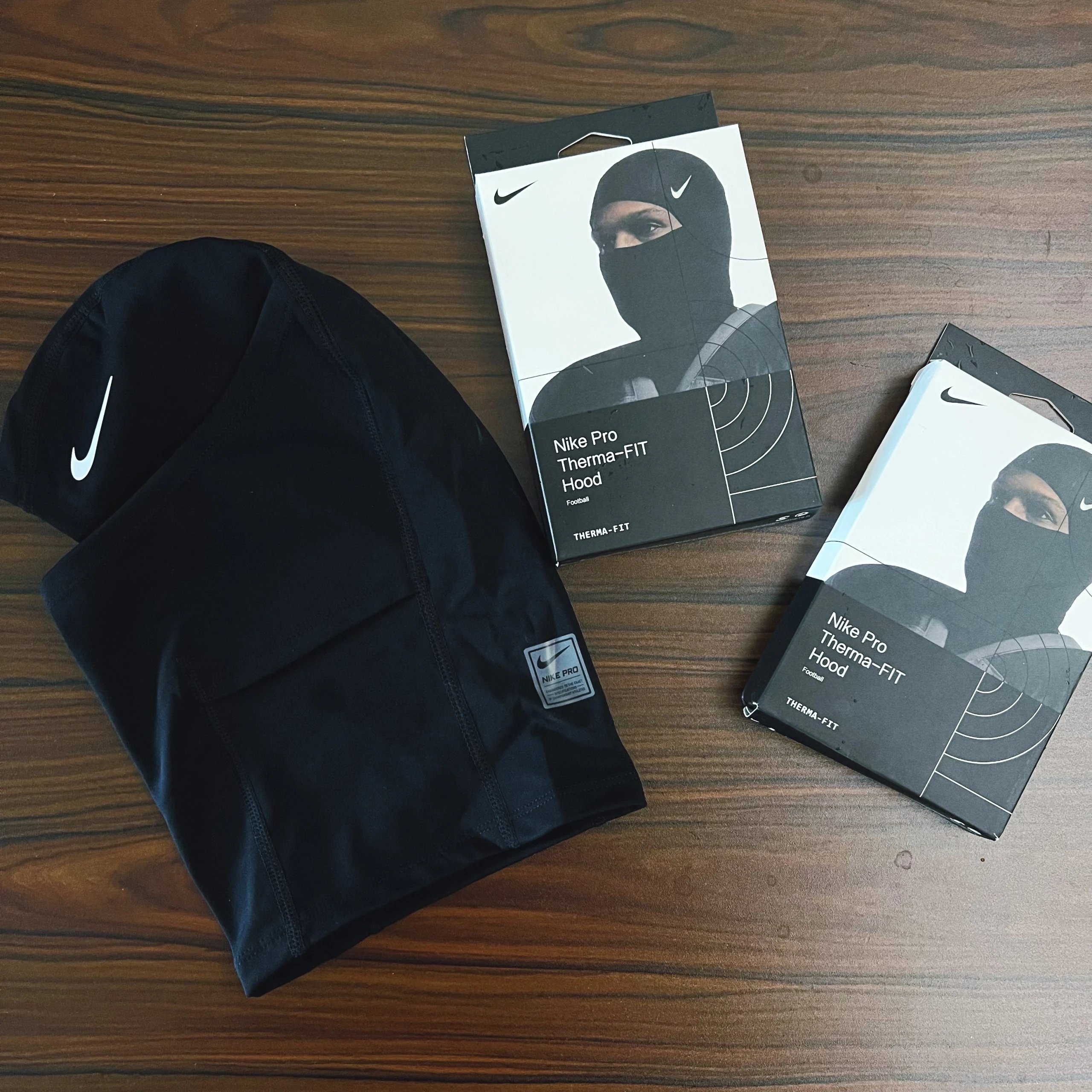
Explore the T-shirt, hoodie, shirt and knitwear lists. A clear front image is a starting point; the gallery can reveal print placement, cuffs and back details before you continue to FansBuy.
Denim, trousers and shorts have their own place in the spreadsheet. Use the product photos to compare the cut and pockets, then confirm measurements and options on the destination listing.
Browse jackets and coats with their own category links. Check the fastening, collar and any pictured lining, and keep the source product connected when opening the FansBuy page.
Discover coordinated outfits in one list. Look for photos of each piece and confirm the current seller offer for exactly which items and quantities are included.
Find socks and underwear without mixing them into the clothing feed. Check the pictured construction and pack contents; sizing and order choices belong on the seller offer.
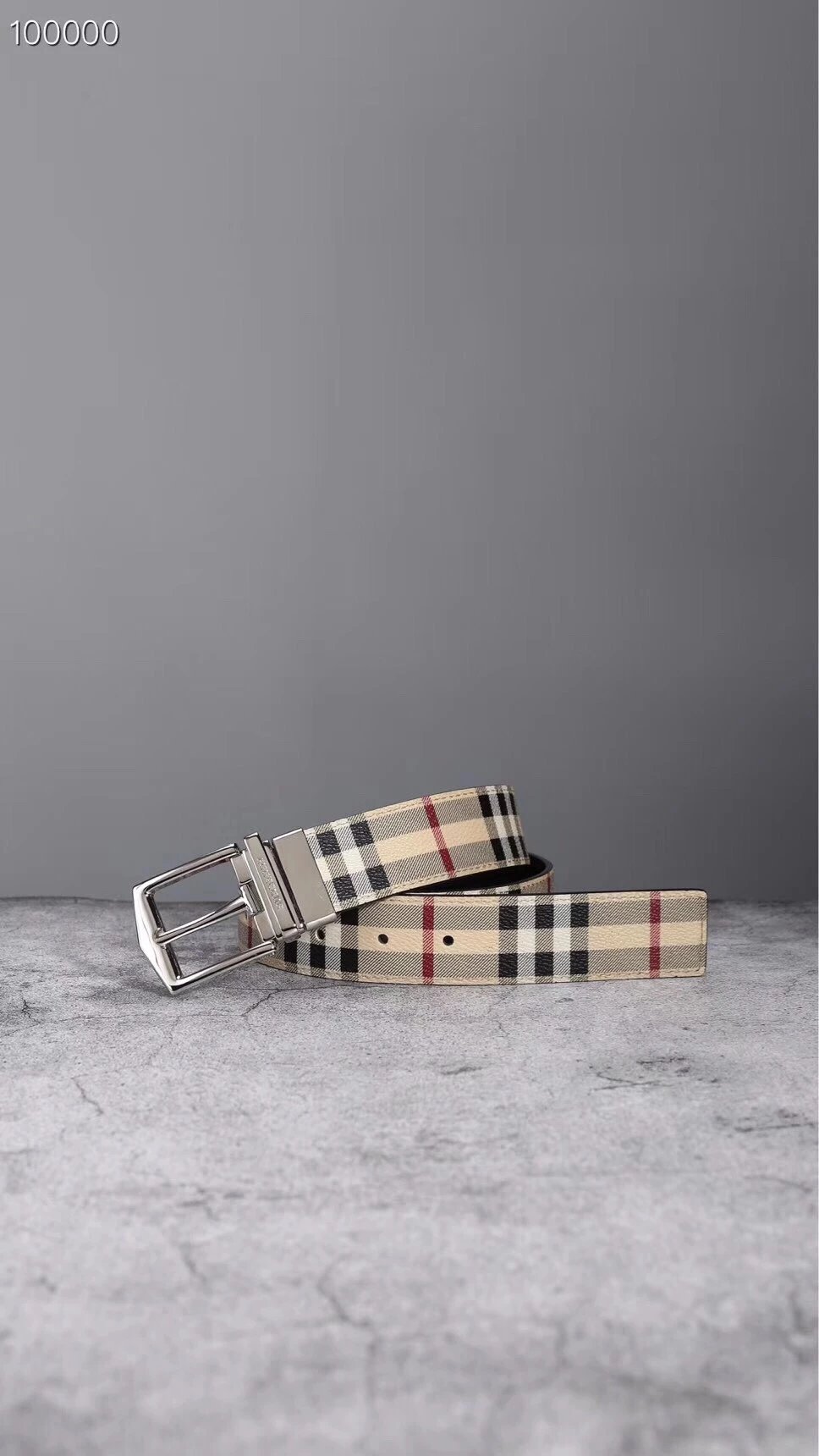
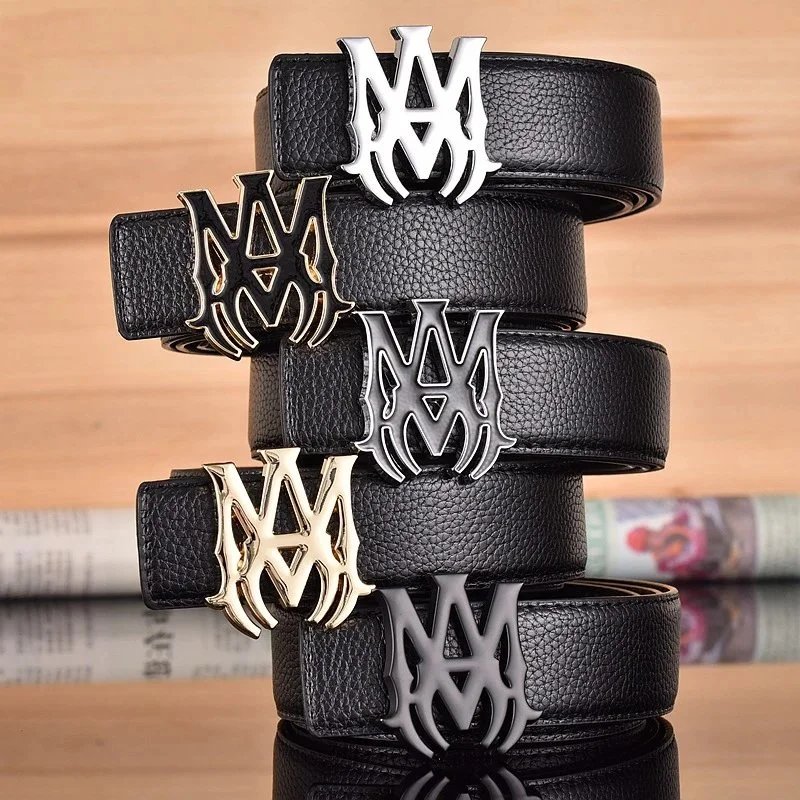
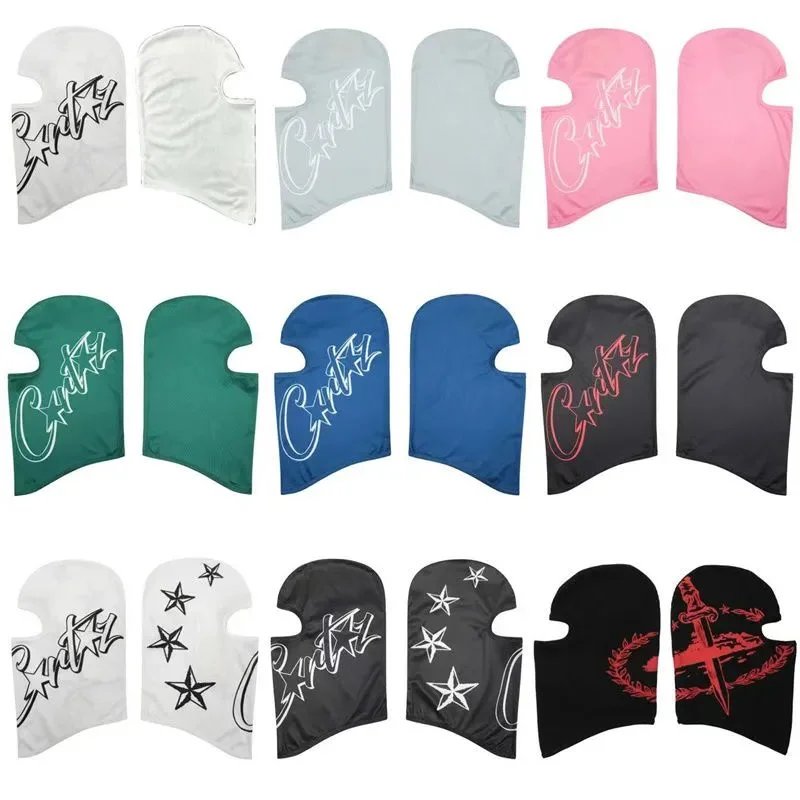
Bags, caps, jewellery and watches are easier to compare in a focused list. Open the relevant category and inspect straps, closures or hardware in the gallery.
Keep electronics separate from clothing. Compare the pictured model and supplied accessories, then check connections, specifications and compatibility at the destination.
Explore finds outside the main clothing and accessory groups. Review the individual product pictures and follow its exact source link for the current offer.
Product listings organized into footwear, tops, bottoms, outerwear, sets, accessories, underwear, electronics and other finds. Each product page brings together its available pictures, reference price, style previews and existing QC photos.
Start with Shoes for sneakers, Tops for hoodies, or Accessories for bags. The category directory links to more specific lists. Search by a product name when you know it, or upload a picture when you do not.
Image search returns visually similar listings. Compare the shape and details on the product page: a similar picture does not confirm the same seller, batch or item.
Supported Weidian listings open FansBuy using the source product’s numeric ID in an item-micro link. Our promotion code stays attached. You can also copy the original marketplace link from the product page.
They are existing reference photos attached to that listing, useful for a closer view of visible details. They are not photos of a new order you place, and do not guarantee its quality or contents.
They change the photo preview here. Choose the actual size, colour, quantity and other required options on FansBuy before you order.
USD is the starting currency. Use the header to choose another currency for comparison. The current destination offer and the options you select determine the amount there.
It is an independent product discovery site. FansBuy handles registration, orders, payment and support. Our registration and purchase links are referral links.